Tickets
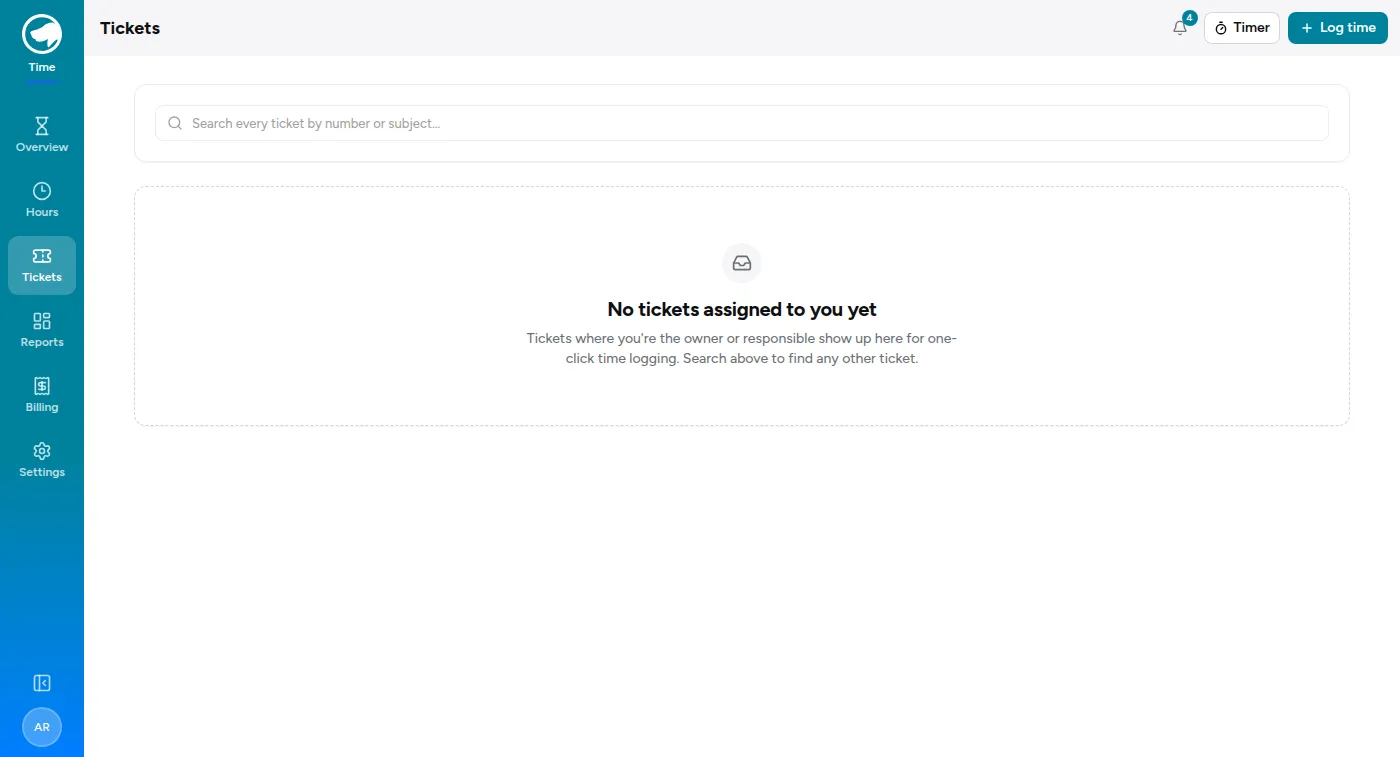
Tickets in the Time Tracking rail is a checklist of support work you might not have logged yet. What it shows depends on which ticket system your organisation uses, and there are two.
With the Service Desk
Section titled “With the Service Desk”The page lists your most recently updated tickets — the ones assigned to you — each with a project picker so you can book time against it without opening the ticket. There’s also a search box for finding a ticket that isn’t yours.
Logging from here is the same entry you’d create anywhere else; it just arrives already attached to the ticket. See Time on tickets for the ticket’s own side of this.
With Znuny
Section titled “With Znuny”The older path, for organisations that track support work in Znuny rather than here.
Linking an entry to a ticket
Section titled “Linking an entry to a ticket”On the log-time form there’s a Znuny ticket field. Put the ticket number in and the entry is tied to it. That’s the whole job — one field, optional, and only worth using when the work really was against a ticket.
Once linked, the ticket number rides along with the entry and shows up in your list and on the Tickets page.
The Tickets page
Section titled “The Tickets page”With Znuny connected, Tickets shows your recent queue — the tickets you’ve touched over the last stretch of days, with each one tagged by where it came from:
- In Znuny — Znuny says you touched it recently.
- Logged — you’ve already booked time against it here.
- Both — it’s in Znuny and you’ve logged time on it.
The useful column is the gap: a ticket that’s in Znuny but not logged is work you did and haven’t recorded yet. That’s the page’s real purpose — not admiring what you’ve done, but catching what you forgot.
Each ticket shows your hours on it and how much of that was billable. You can widen or narrow the lookback window at the top.