Users, invitations and access
Admin in the rail is the cross-cutting administration surface. It’s visible only to platform admins, and it holds the things that aren’t specific to any one module.
There is no sign-up
Section titled “There is no sign-up”Invitations is how you add someone: send an invitation to their email address, and they get an account when they accept it. The list shows what’s outstanding, so an invitation that was never accepted is visible rather than forgotten.
Users lists everyone in the organisation. A user record carries their name and email, whether they’re an admin, their default bill rate, their target capacity in hours, and their start page.
Archiving a user is how people leave. An archived user can’t sign in, and stops appearing in pickers — but keeps every time entry, ticket and audit record they ever created. Deleting them would take the history with them, which is why you can’t.
Sign-in and authentication
Section titled “Sign-in and authentication”Authentication sets the identity policy for your organisation:
- which providers are allowed — Google, Microsoft Entra, or both;
- which Google hosted domains are accepted.
Both are per-organisation. Your policy is yours; it isn’t a global setting somebody else can change out from under you.
Module access
Section titled “Module access”Module Access decides who can reach which module, and in what role — member or admin within that module. Being a platform admin gets you everything; a module membership is how you give someone the Service Desk without giving them the Admin section.
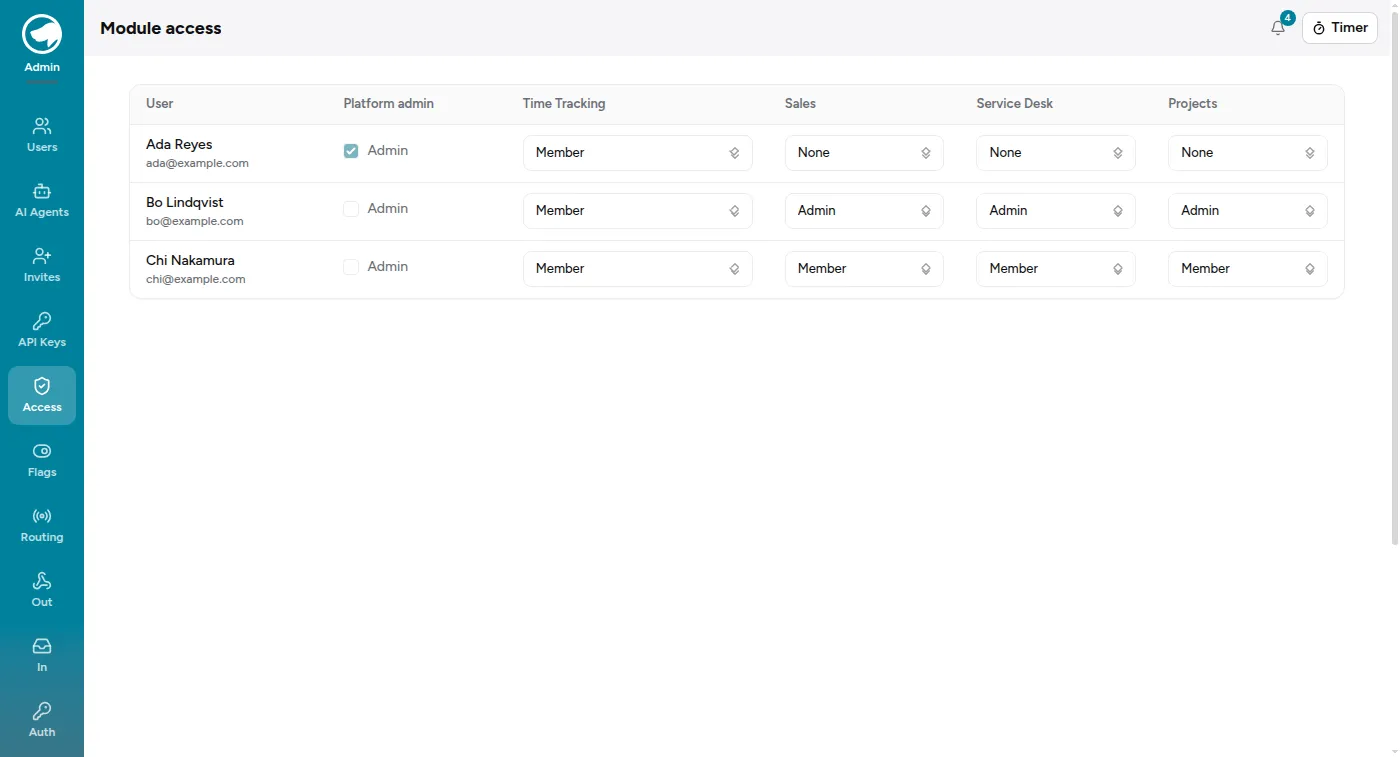
Time Tracking has a third role, Project manager. A project manager can log, correct and delete other people’s time from Time Tracking → Reports → Entries, but only on a project they’re assigned to, and only for people also assigned to it. A Time Tracking admin (or a platform admin) can do it for anyone, on any project. Every change made to someone else’s entry is recorded in its edit history.
Two things this page does not do:
- It doesn’t grant ticket queues. Queue access is separate and grant-only — see Queues and who can see them.
- It doesn’t turn modules on. That’s Feature Flags.
Feature flags
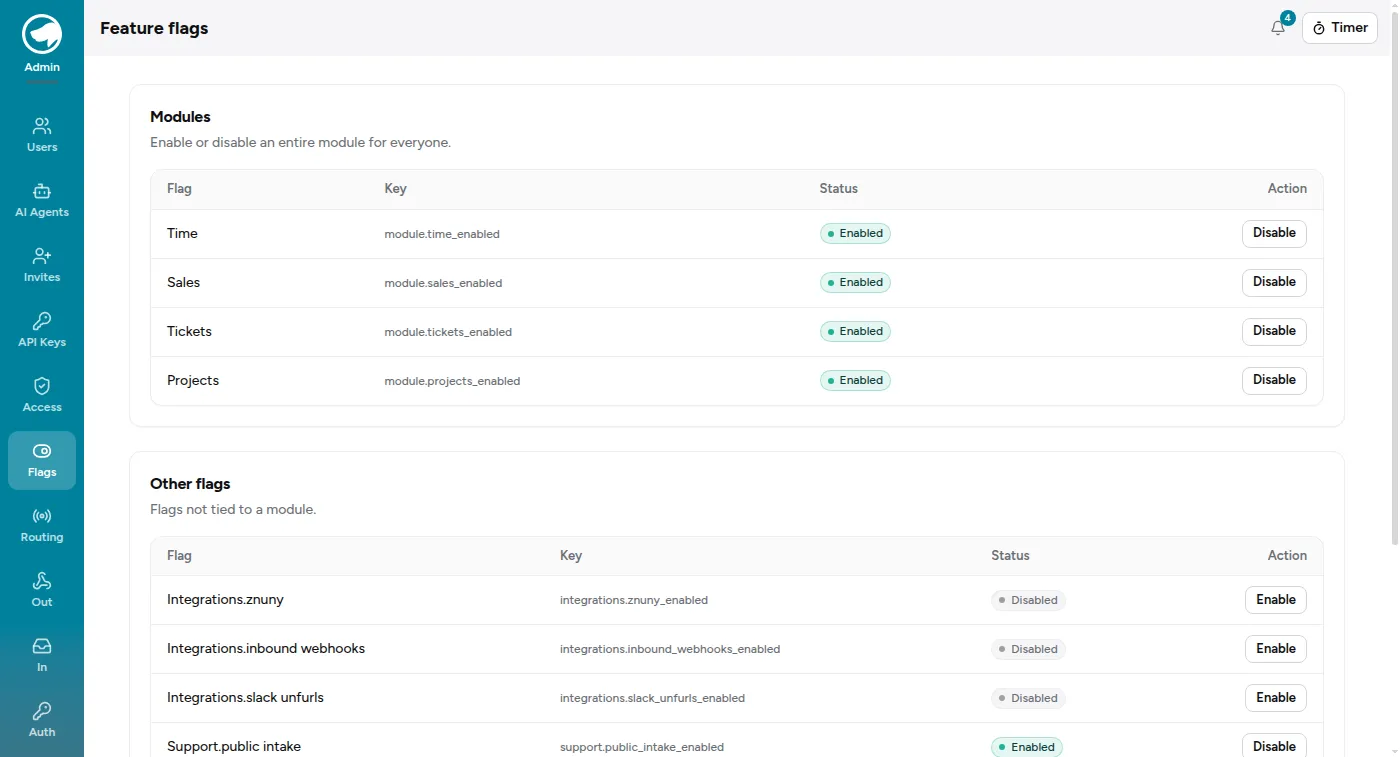
Section titled “Feature flags”Feature Flags is the master switch per module and per integration. The Service Desk and Sales are off until you turn them on; Time Tracking, Projects and Admin are on. Integrations like inbound webhooks and the public intake form have their own flags, off by default, because each one opens a door.
Your start page
Section titled “Your start page”Each user has a start page — Home, or a module. It’s what you land on after signing in, unless you followed a deep link, in which case you go where you were going. It stores which module you chose, not a URL, so it keeps working when pages move.